Category: Misc
-
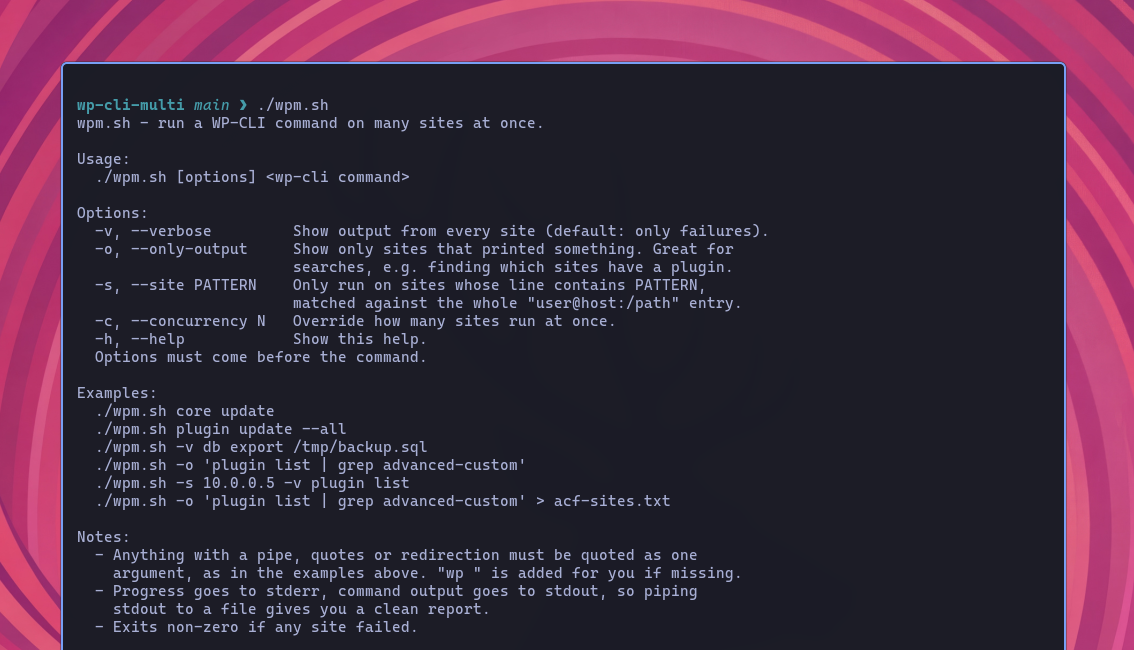
Running WP-CLI Commands Across Multiple WordPress Sites
I manage about 30 WordPress sites for retainer clients, friends and family, and various projects I’m involved in. As I wrote about in my post about managing WordPress sites for agencies, once you’re responsible for more than a handful of sites, even simple maintenance tasks start to become repetitive. Security updates are a good example.…
-

Why I Don’t Use WordPress Backup Plugins
I don’t use WordPress backup plugins. I’ve certainly used them before, and there are plenty of good ones. UpdraftPlus, BackWPup, Duplicator, BlogVault and VaultPress all approach the problem in slightly different ways. If all I had was a WordPress site on somebody else’s hosting account, I’d happily use one. But when I control the server,…
-
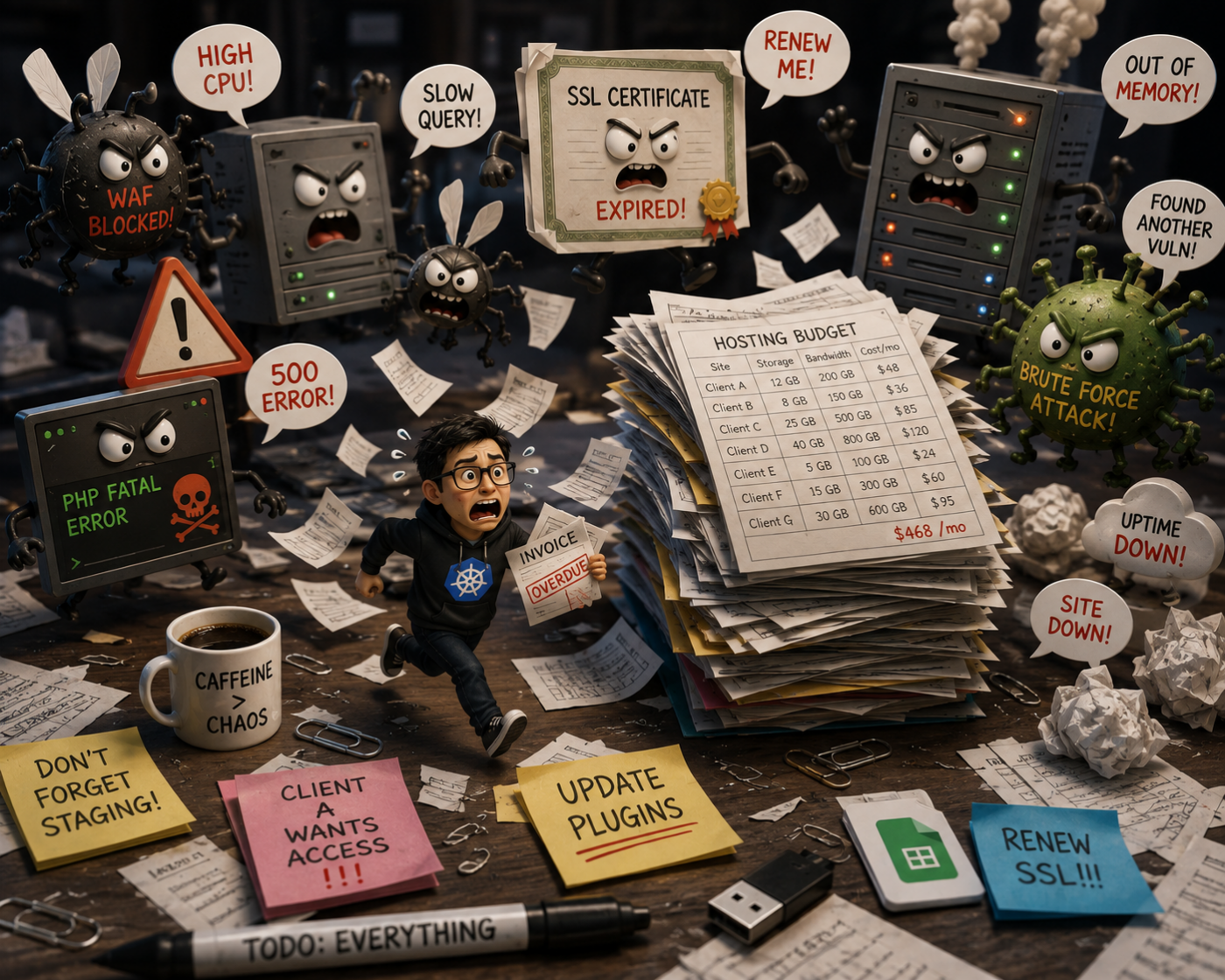
What I Look for in WordPress Hosting for Agencies
I’ve been working with WordPress for a long time, and these days most of my work is WordPress consulting. A lot of that work is project-based, but some clients stick around for ongoing maintenance: WordPress and plugin updates, backups, security, performance work, the occasional deployment, and generally making sure nothing catches fire. None of this…
-
The Importance of Following Coding Standards and Conventions in Software Engineering
In the realm of WordPress development and software engineering in general, adhering to coding standards and conventions is a vital aspect of creating high-quality, maintainable, and efficient code. These standards and conventions serve as a set of guidelines that govern how code should be written, formatted, and organized. While they may seem trivial to some,…
-

Working with Arrays in WordPress: A Guide to the wp_list_pluck() Function
If you’ve been working with WordPress for a while, you may have come across the wp_list_pluck() function in your theme or plugin development. This function is a handy tool that allows you to extract a specific column of data from an array of objects or associative arrays. In this post, we’ll take a closer look…
-
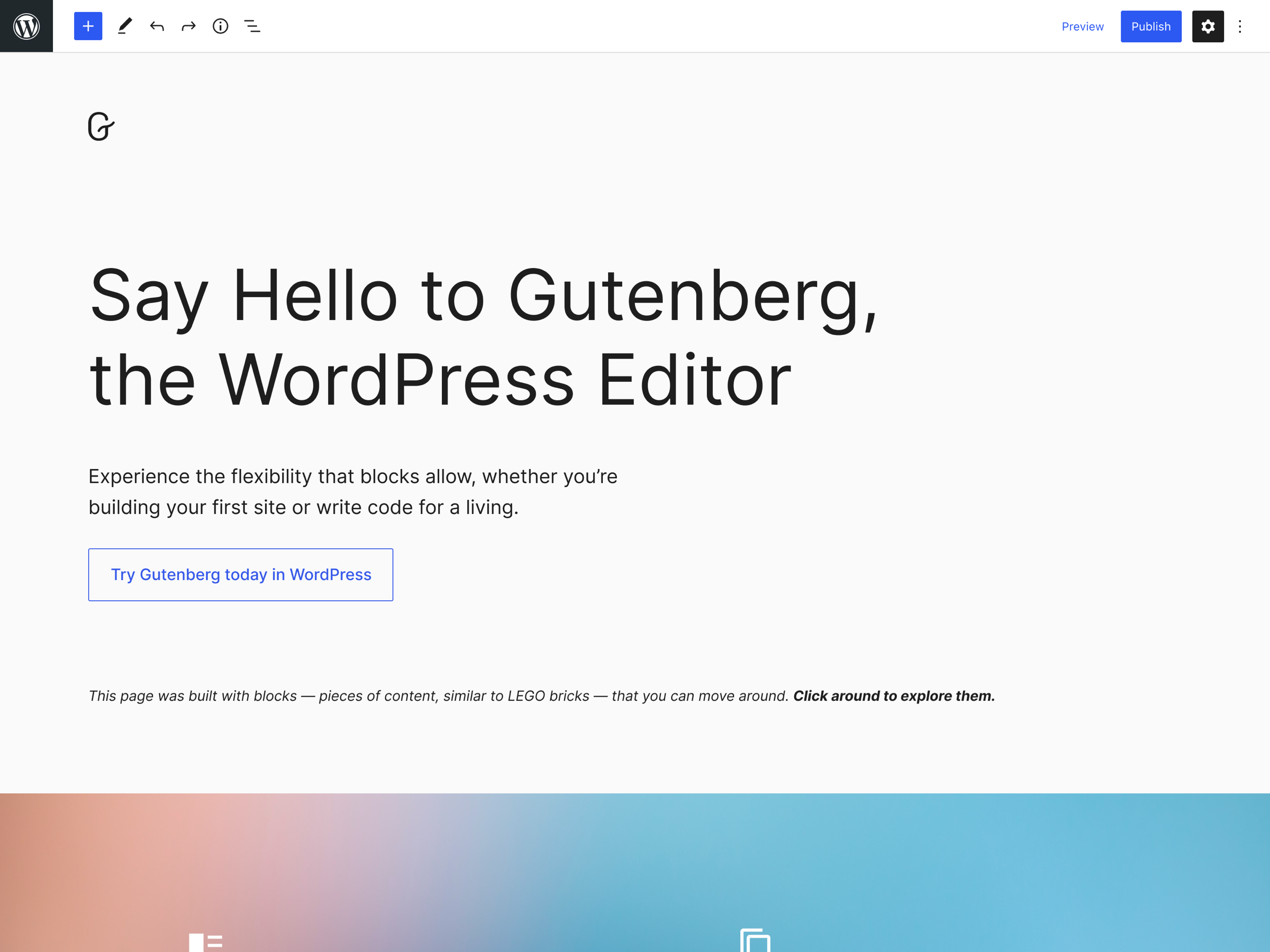
Revolutionizing WordPress with Gutenberg: What You Need to Know
Gutenberg is an editor for WordPress that was introduced in December 2018. It replaced the Classic Editor and provides users with a more modern and intuitive way to create and edit content on their WordPress websites. With its block-based approach, Gutenberg allows users to create and arrange content using various types of blocks, such as…
-

WordPress Multisite: A Comprehensive Guide to Managing Multiple Sites
If you manage multiple WordPress sites, you know that it can be a time-consuming and tedious process. But what if there was a way to manage all of your sites from a single installation? That’s where WordPress Multisite comes in. Setting Up WordPress Multisite Setting up Multisite is a bit different than setting up a…
-

How to Filter Data in WordPress with wp_list_filter()
When working with data in WordPress, filtering is a common task that is necessary for displaying the right information to users. The wp_list_filter() function in WordPress is a powerful utility function that allows you to filter an array of data based on specific criteria. In this post, we’ll take a look at what wp_list_filter() does,…